

SAS vs SATA Enterprise Hard Drives: Which Interface Should You Choose?
Enterprise HDD Guides2 min read · SSDtrader Team
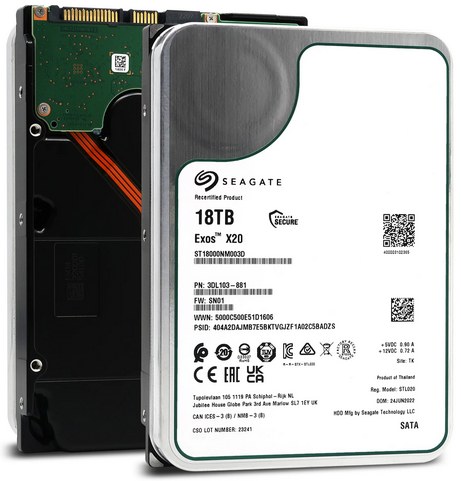
Most enterprise hard drive models, including Seagate Exos, ship in both SATA and SAS versions with identical platters, spindle speed and capacity. Choosing between them comes down to your controller and availability requirements.
| SATA | SAS | |
|---|---|---|
| Link speed | 6Gb/s | 12Gb/s (SAS-3) |
| Ports | Single | Dual-port for controller failover |
| Controller support | SATA and SAS controllers | SAS controllers only |
| Typical use | Servers, NAS, scale-out object storage | Enterprise arrays, JBODs with dual controllers |
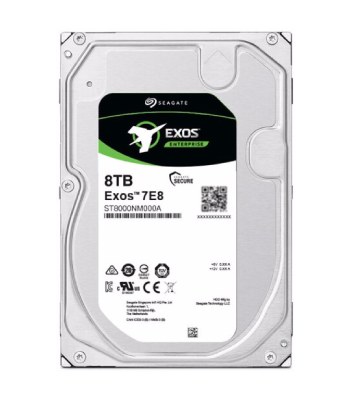
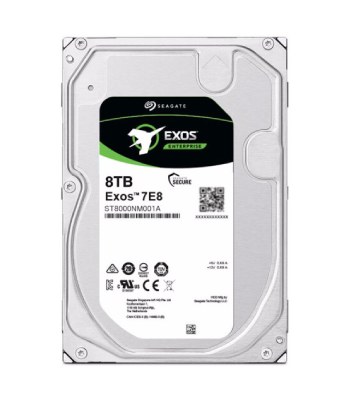
| Example (Seagate Exos 8TB) | ST8000NM000A | ST8000NM001A |
Does SAS make the drive faster?
Not for a single hard drive. A 7,200 rpm drive transfers around 250–285 MB/s, well below even SATA's 6Gb/s limit. SAS's advantages are dual-port high availability, richer error reporting and better behaviour in large expanders.
Compatibility rule
SAS controllers accept SATA drives, but SATA controllers cannot run SAS drives. If your server has an onboard SATA controller, buy SATA. If it has a SAS HBA or RAID card and dual-controller enclosures, SAS is usually preferred.
Cost and availability
SATA versions are often slightly cheaper and more widely stocked, which is why hyperscale and object-storage deployments favour them. Within one RAID group, keep all drives on the same interface.
Related products
Specifications are summarized from manufacturer datasheets and can vary by capacity and firmware; please verify against the datasheet for your platform. Trademarks belong to their respective owners; SSDtrader is an independent distributor.