

Server Hard Drives vs Enterprise Hard Drives: Is There a Difference?
Enterprise HDD Guides2 min read · SSDtrader Team
"Server drive" and "enterprise drive" are often used interchangeably. In practice, a server drive is any drive qualified to run in a server, and enterprise drives are the class built for that job. What matters is how they differ from desktop drives.
| Desktop HDD | Enterprise / server HDD | |
|---|---|---|
| Duty cycle | ~8 hours/day | 24/7 |
| Workload rating | ~55 TB/year | ~550 TB/year |
| MTBF | Often not specified | 2.0–2.5 million hours |
| Vibration tolerance | Single-drive use | Rotational vibration sensors for multi-drive chassis |
| Interfaces | SATA | SATA and SAS |
| Warranty | 2–3 years | Typically 5 years |
Why multi-drive chassis need enterprise drives
In a server or array, neighbouring drives create vibration that knocks heads off track. Enterprise drives compensate with rotational vibration sensors and firmware tuned for RAID, including time-limited error recovery so a slow sector does not drop the drive from the array.
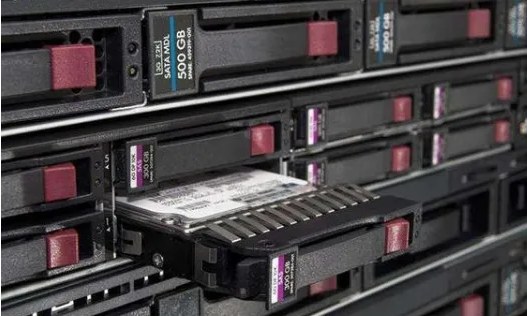
SATA, SAS and hot-swap
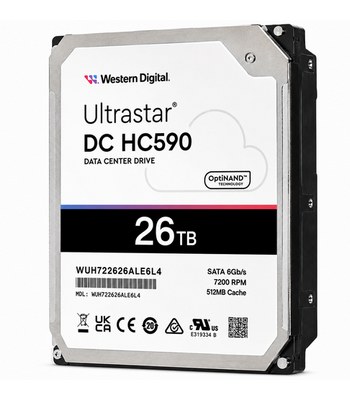
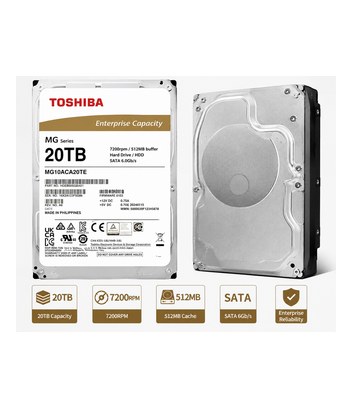
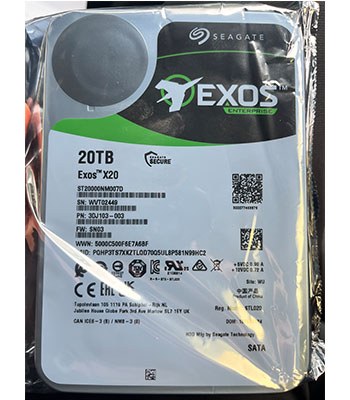
Enterprise drives come in SATA for general servers and scale-out storage, and in SAS for dual-controller arrays. Both are mounted in hot-swap carriers. Examples: WD Ultrastar HC590 26TB, Toshiba MG10 20TB, Seagate Exos X20 20TB.
SSD + HDD in modern servers
Many servers now pair NVMe SSDs for the operating system, databases and caching with high-capacity enterprise HDDs for bulk data, combining speed and low cost per terabyte.
Related products
Specifications are summarized from manufacturer datasheets and can vary by capacity and firmware; please verify against the datasheet for your platform. Trademarks belong to their respective owners; SSDtrader is an independent distributor.